Start with an appropriate database connection.
Review the current support matrix and native-tool requirements. Confirm the database engine, backup mode, permissions, and storage destination before running a pilot.
Check database coverage →
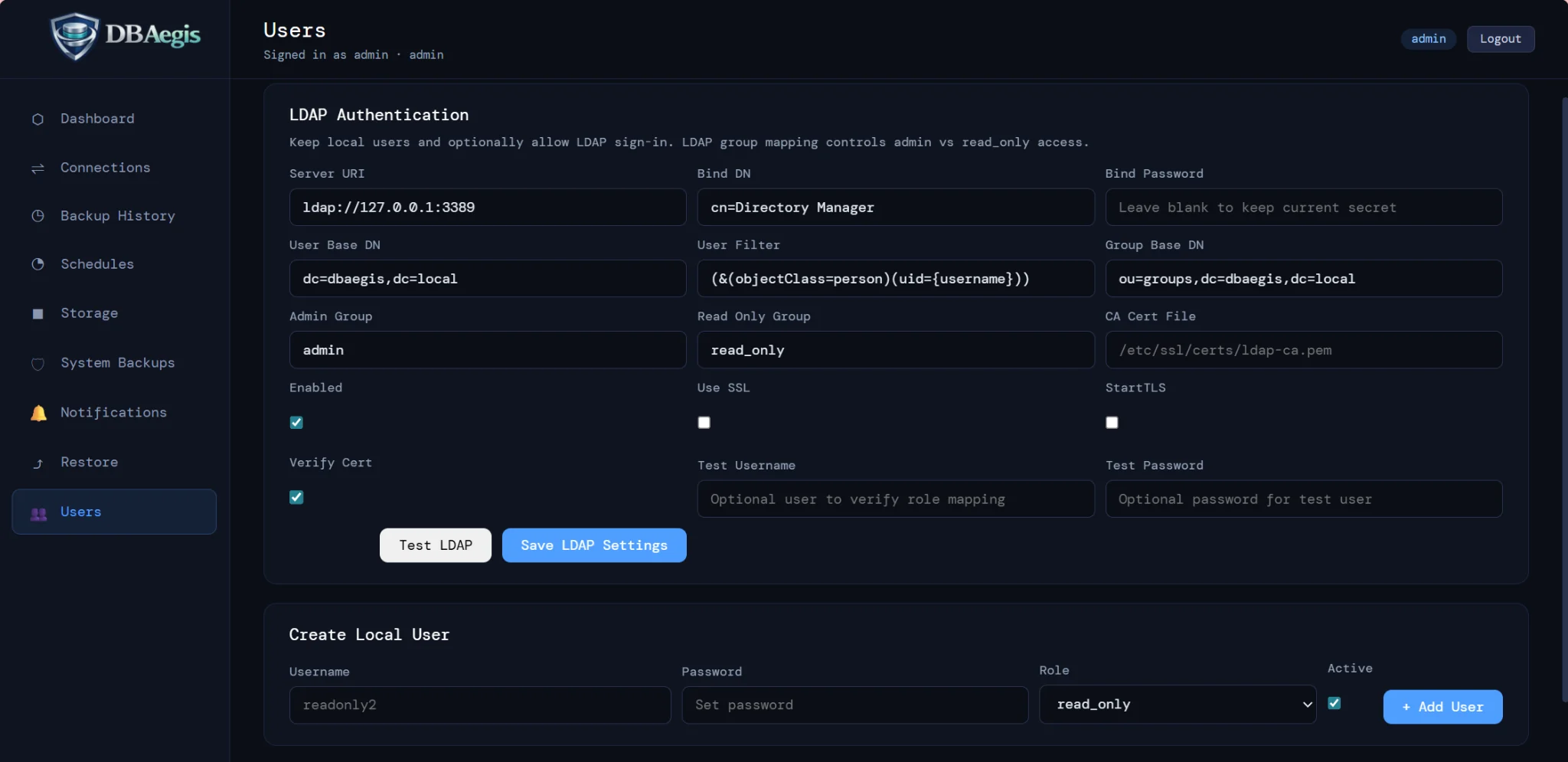
Explore actual interface previews at your own pace. Screens can include paid-edition features; availability depends on edition, engine, and deployment.
Review the support matrix →Review the current support matrix and native-tool requirements. Confirm the database engine, backup mode, permissions, and storage destination before running a pilot.
Check database coverage →
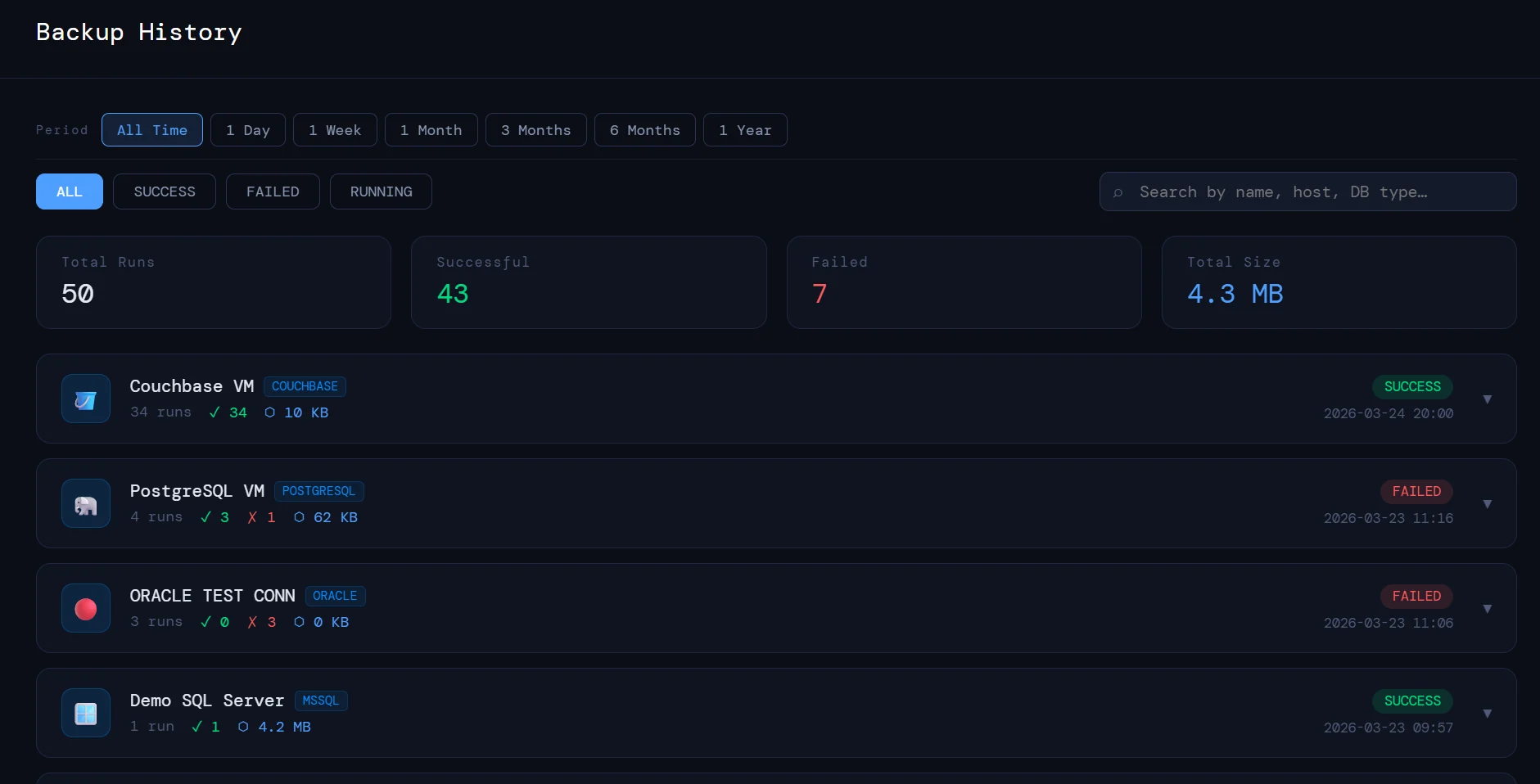
Use the operational record to inspect backup outcomes and artifact context. A successful backup is not a substitute for an appropriate restore check.
Explore backup visibility →
Use a separate test or recovery target. Review the restore options, native-tool requirements, and high-risk confirmations supported by your engine and edition.
Review restore validation →
Professional adds RBAC and MFA. Enterprise adds LDAP / Active Directory and deeper integration and reporting options. Confirm entitlements before deployment.
Review security and access →
Step 1 of 4
Choose a representative database and a recovery objective for a Professional or Enterprise walkthrough.
Request a tailored demo